Unreal Engine Jumpstart (Tutorial)
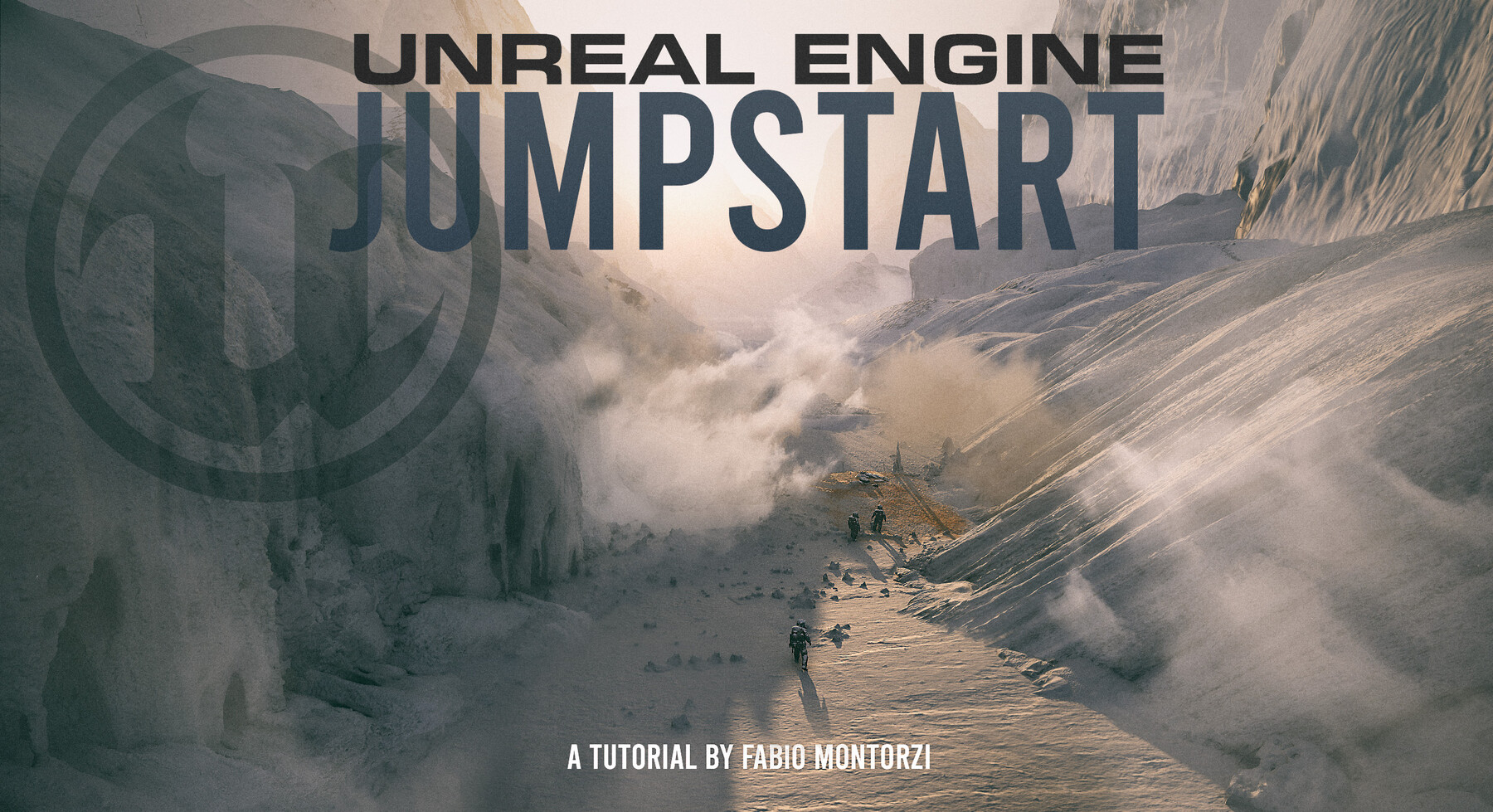

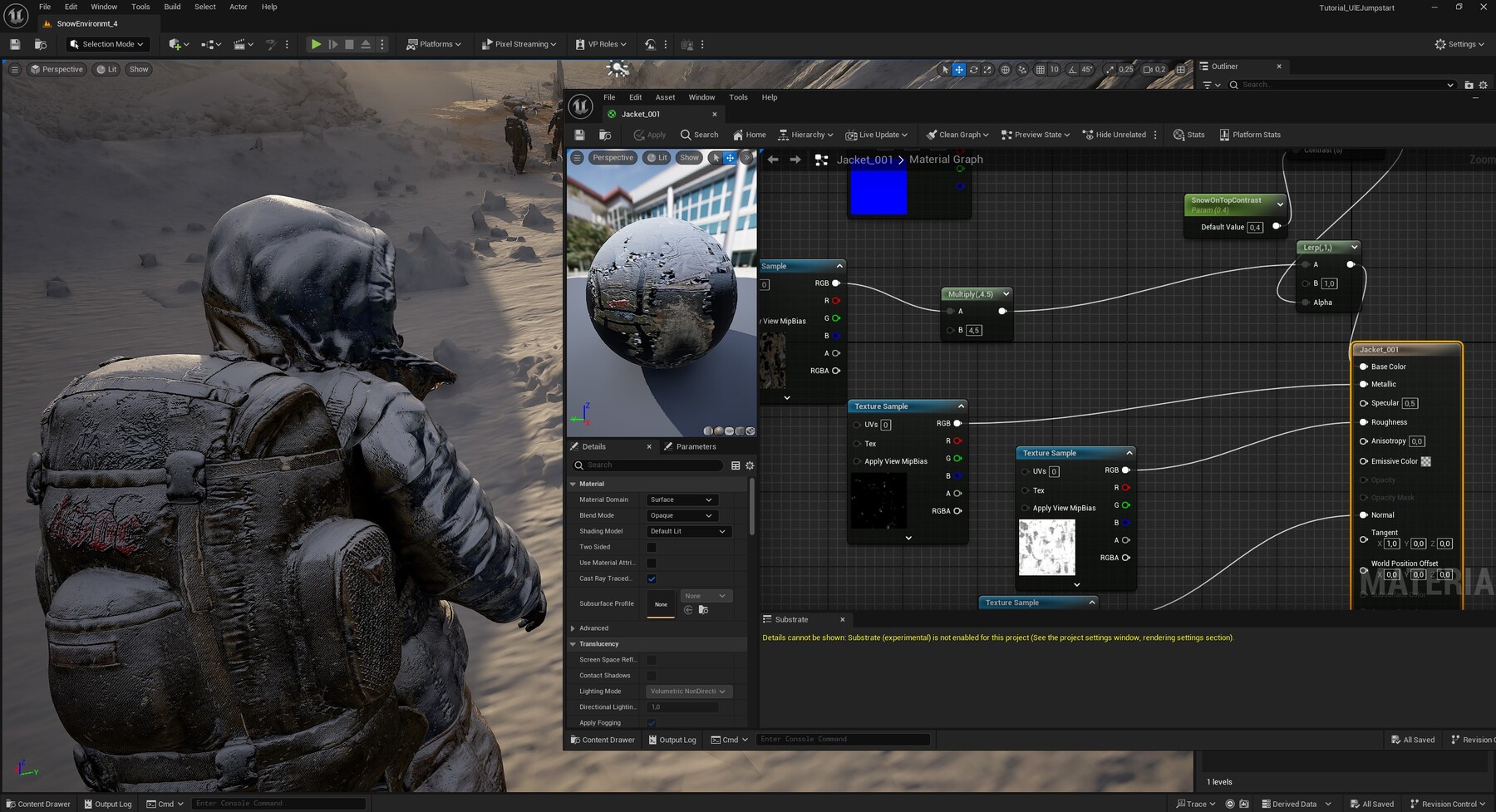


With the release of version 5, Unreal Engine has dramatically transformed into a powerful and practical tool for Concept Art as well. The ability to create massive scenes without needing to worry about polygon count, the highly realistic real-time rendering, and the efficient asset management make Unreal Engine a true game-changer for environment visualization.
You can explore environments in real time, instantly adjust lighting, expand and enrich the scene without performance concerns and quickly pick out the most exciting viewpoints.
For these and countless other reasons, I’ve started using it more and more in my concept art projects.
In this tutorial, I’ll show you how I use UE5, aiming to keep the technical aspects straightforward to leave room for the freedom and enjoyment that are essential to my creative process.
Have fun!
Tutorial 3D scene exploration: https://www.youtube.com/watch?v=5M96m050p_w
VIDEO CHAPTERS (Real-Time Commentary Chapters in English)
00 - Course Introduction
01 - 3D Scene FBX and thoughts on the Pivot
02 - Interface and introduction UE5
03 - Exporting FBX from Blender
04 - importing FBX in UE5
05 - How To Easily Fix the Materials
06 - Fixing the Glass Material
07 - Blueprints Groups and Megascans
07b - Important UPDATE - how to use Fab instead Quixel Bridge
08 - Scene Cohesion by using SnowOnTop Material
09 - Assembling the Scene
10 - PostProcessVolume Bookmarks and ViewportFocal
11 - Art Directing by using DepthFadeMist on Planes
12 - Custom Decals
13 - 3D_Painting The Snow
14 - Different Mood and How to Import Another Pose
15 - Depth Of Field and Post Process Volume Settings
16 - Exploring Different Projects and Final Thoughts
UE Jumpstart Trailer
Here you can see some of my Unreal projects:
www.artstation.com/artwork/yDRynQ
www.artstation.com/artwork/Ry0ZdA
www.artstation.com/artwork/490ZRW
www.artstation.com/artwork/ZaPDP1
www.artstation.com/artwork/5vPBQw
www.artstation.com/artwork/042n64
www.artstation.com/artwork/zP6E5d
www.artstation.com/artwork/nErgl4
www.artstation.com/artwork/EaA9BN
www.artstation.com/artwork/r9Z4DE
www.artstation.com/artwork/GenY3a
www.artstation.com/artwork/NyzWn1
www.artstation.com/artwork/kQRO40
Release Notes
Since Epic Games replaced Quixel Bridge with Fab, I added I new video ( 07b ) for showing you how to install the Fab plugin and how to use it to import the megascans assets.