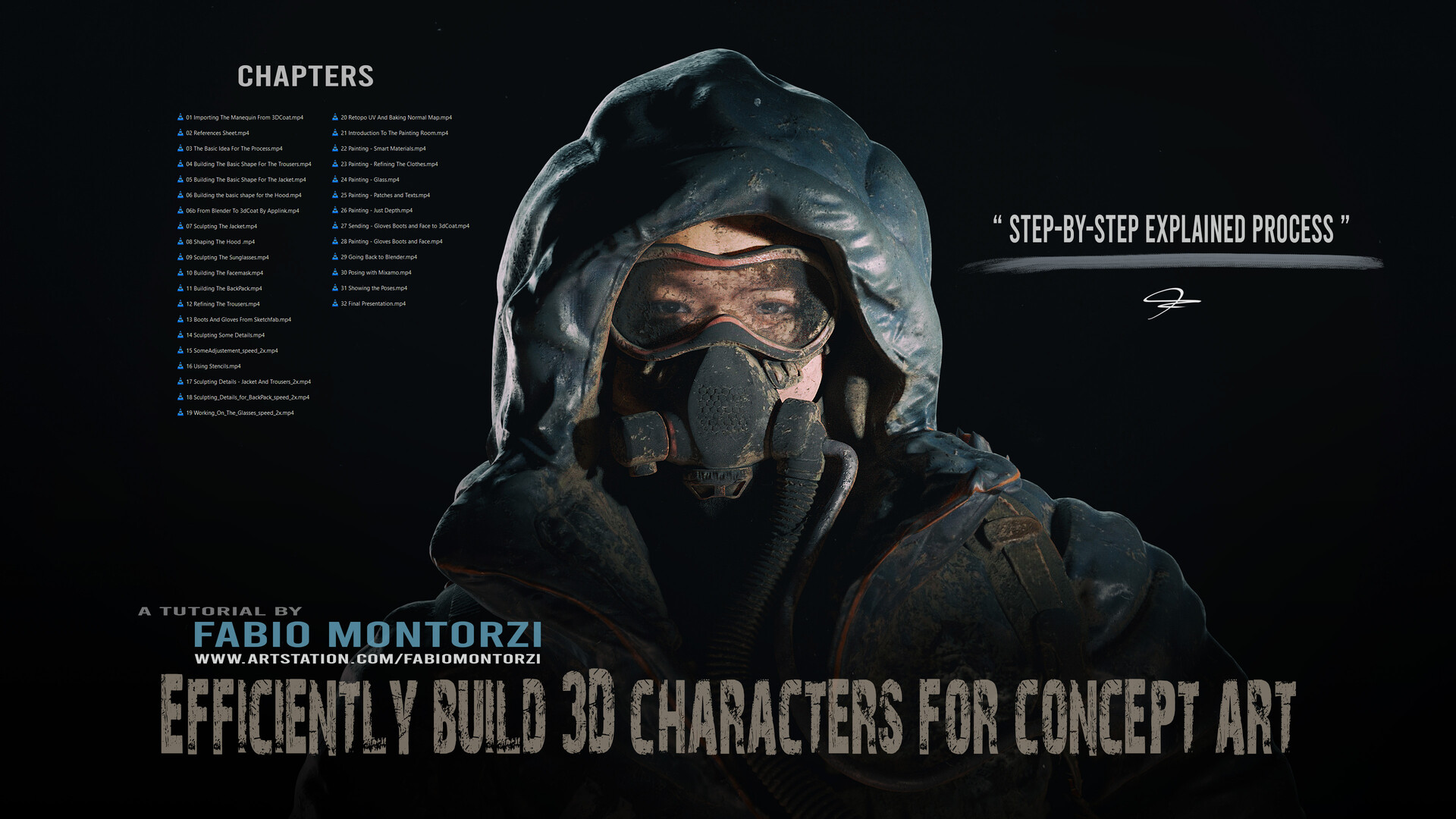
TUTORIAL Efficiently Build 3D Characters For Concept Art
I decided to record this tutorial after finally developing an efficient workflow to build 3D characters for concept art. I've always struggled with this because it took so long.
You can get the tutorial here:
https://www.artstation.com/a/37126142
https://fabiomontorzi.gumroad.com/l/tutorial3Dcharacters
I tried different approaches using various software, but I didn't want to rely on clothing simulation programs or software to create characters by adjusting parameters or marketplaces where I have to search and buy clothes and accessories.
I've spent some time refining my process for crafting 3D characters, and finally, it has become smooth and enjoyable! This workflow significantly speeds up my process and makes me feel like I have control at every stage.In the tutorial, I explain each step that allows you to start from scratch and create a detailed, painted, and posed 3D character.
I begin with the 3D sketching stage and then move on to refining the model with sculpting, automatic retopology, automatic UV mapping, 3D painting, and texturing in 3D Coat, with some quick rendering in Blender at the end.
This course is not intended as a character design course. If you are looking for a tutorial on anatomy, shape languages, and so on, this is not the right one. It focuses more on the process of building 3D characters that you already have in mind. Of course, you will find a lesson here that is entirely dedicated to references.
In the final video, I showcase the character in several poses and demonstrate how it fits into an environment that I created in Unreal Engine 5.
The course is suitable for intermediate Blender/3DCoat users, although I try my best to explain each step.


Trailer
Dirt and Dust on top (speeded up part of my tutorial)

